notion data sources vs fibery databases
By Ron August 6, 2025 5 min. read
If you’re building a team workspace, the database model matters more than most people think. It decides where your data lives, who can change the structure, and how likely your setup is to turn into a weird little maze six months from now.
Notion’s new data sources feature is interesting. It gives you more flexibility inside a single database setup. But when you compare it to Fibery, the tradeoff becomes pretty clear: flexibility versus structure.
what Notion changed
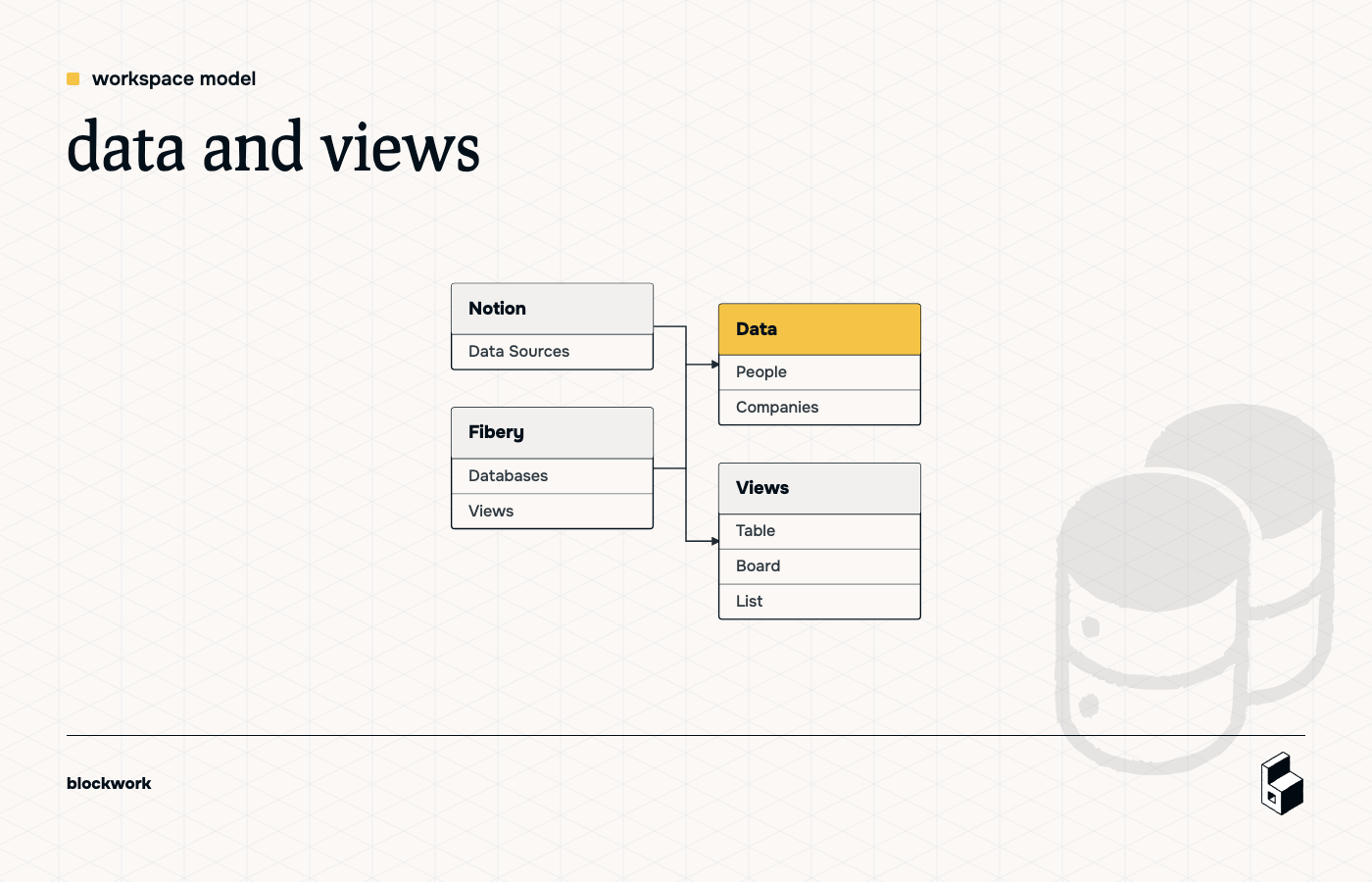
Notion used to push people toward a cleaner pattern: keep your databases in one place, then create views of that data somewhere else.
So you might have one database for People, one for Companies, and then show linked views of those databases across other pages. That’s already pretty close to how Fibery works by default.
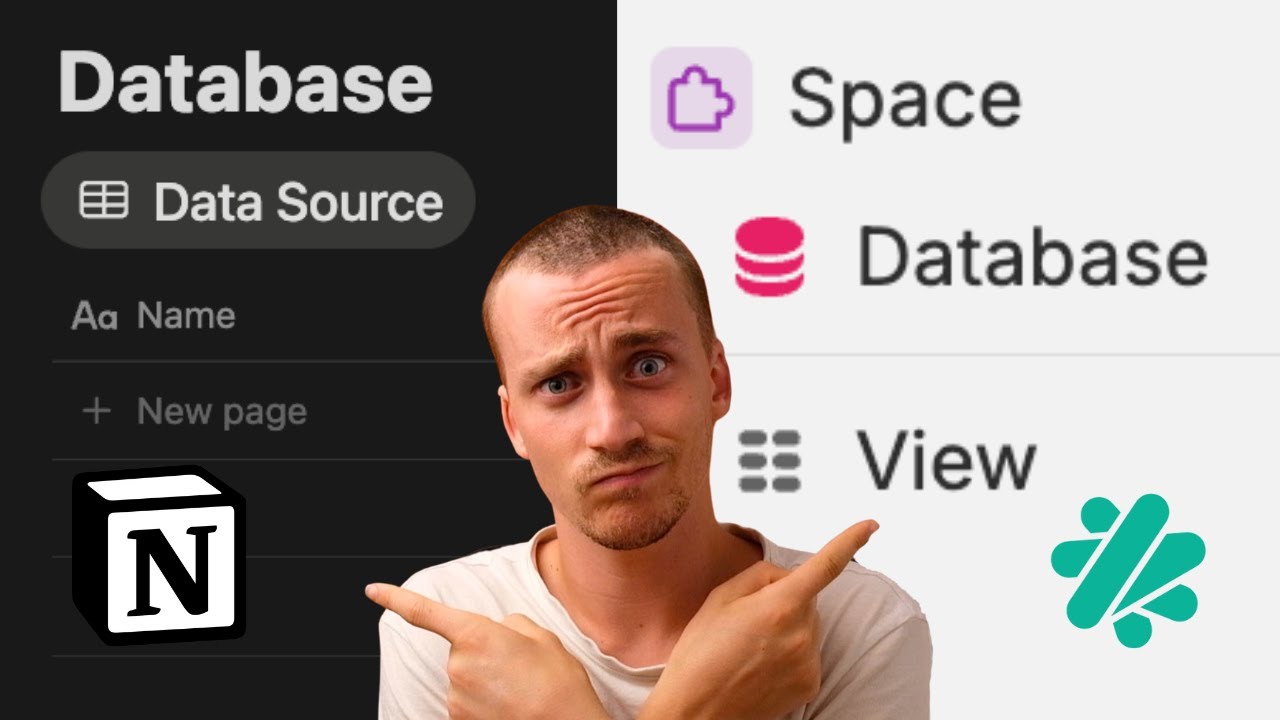
With data sources, Notion is nudging things in a different direction. Now you can manage multiple data sources inside what feels like one database setup. In practice, that brings data and views closer together in the same place.
That sounds convenient. And sometimes it is. But it also makes the structure less obvious.
the real difference: flexibility vs structure
This is the biggest contrast.
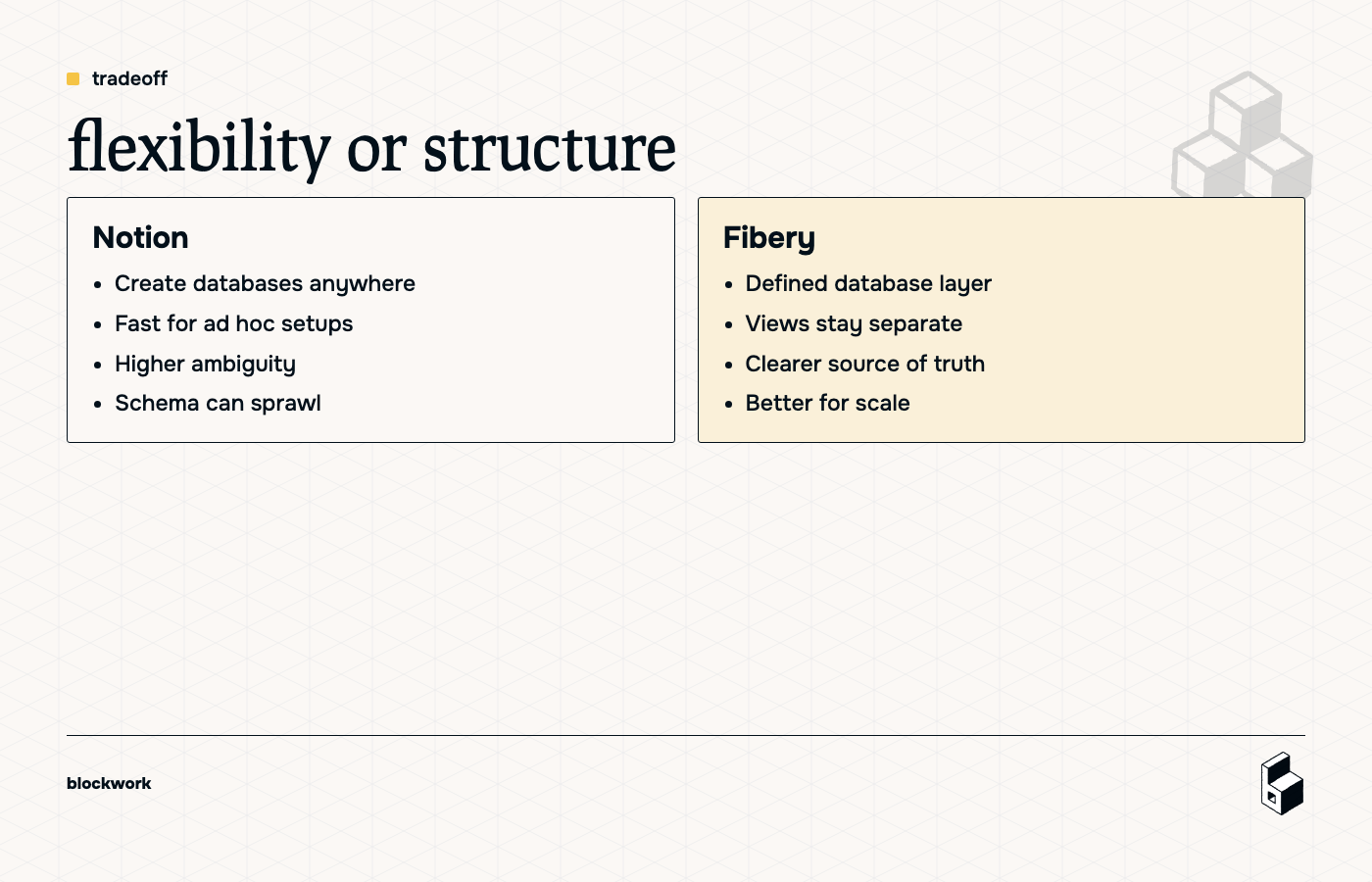
In Notion, you can create databases pretty much anywhere. Drop into a page, type /database, and off you go. That’s flexible. It works well when you’re exploring, prototyping, or building something ad hoc.
The problem is that flexibility creates ambiguity. If databases can live anywhere, people start asking questions like:
- Which one is the real source of truth?
- Is this a database or only a view?
- Should we duplicate this somewhere else?
- Who’s allowed to change the properties?
That’s where teams get into trouble. What starts as freedom turns into “wait, why are there four versions of this thing?”
Fibery is stricter on purpose. Databases live in a defined backend layer, and views live separately. You don’t create random new databases inside a record view. Instead, databases sit alongside each other and connect through relationships.
So a Company can contain a list of related People, but that doesn’t mean People is a sub-database living inside Companies. It’s still its own database, linked properly.
That structure is less freeform, but it’s much easier to scale.
related records are not the same as nested databases
This is an important distinction.
In Fibery, you can open a Company and see its related People right there in context. To the user, that can feel like a database inside a database.
But under the hood, it isn’t. It’s a relationship.
That matters because relationships stay clean. You keep one People database, one Companies database, and connect them properly. You get contextual views without hiding where the actual data model lives.
In other words: you still get the convenience, without the structural mess.
access control is where this gets serious
For solo users, the Notion approach might be fine. For teams, this is where things stop being theoretical.
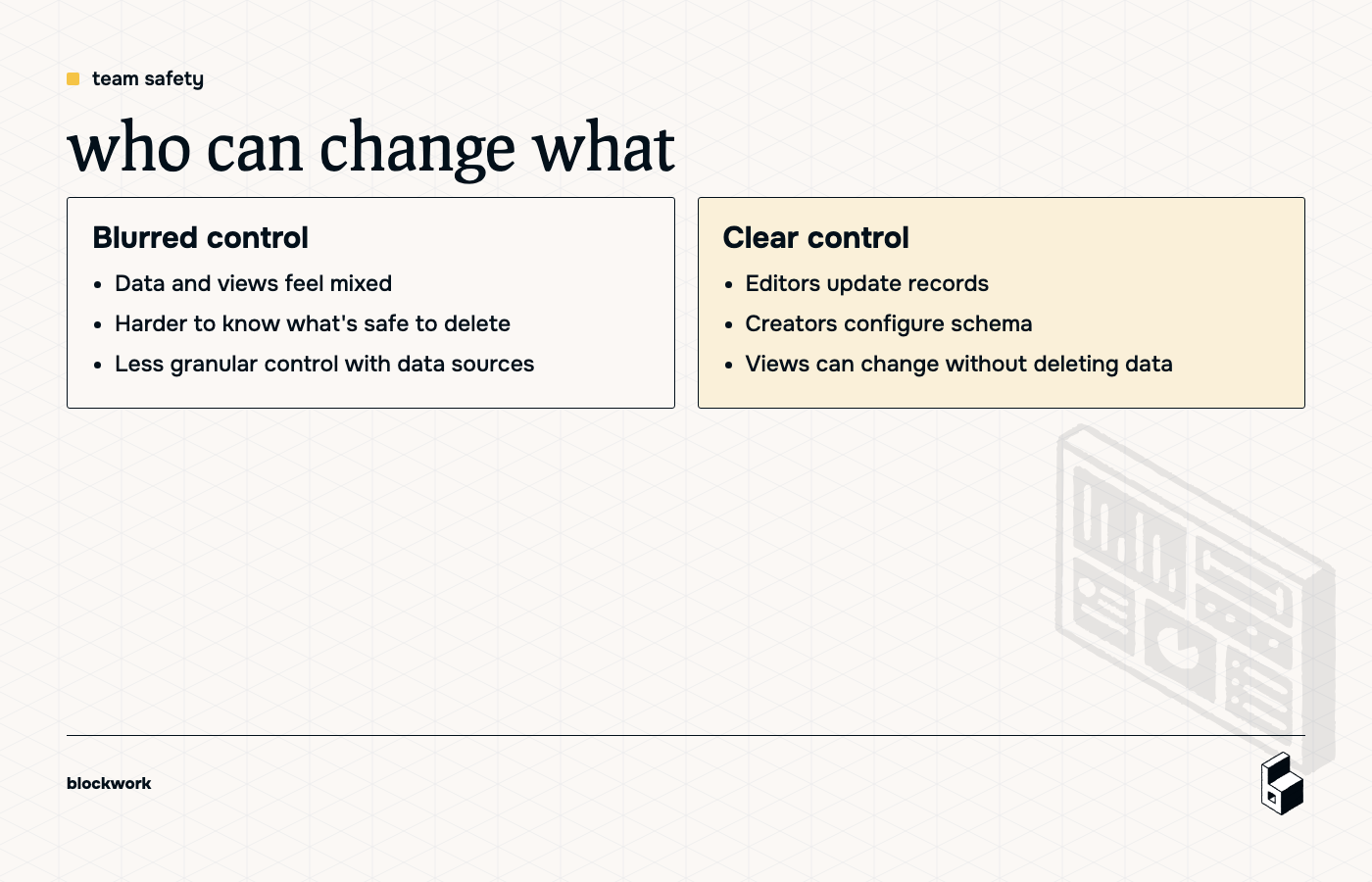
Fibery separates using the system from configuring the system.
Editors can work with records, update content, and create new entries. But they don’t automatically get to change database structure, remove fields, or wreck relationships because they got curious on a Wednesday.
That’s a good thing.
In Notion, you can approximate this with page permissions and content-only access. But with the new data sources model, there’s a catch: you can’t configure access per data source in the same clean way you’d configure access per database.
That makes the feature less compelling for larger teams. If you care about governance, consistency, or not having someone accidentally delete a key property, structure matters.
why this matters more as your team grows
A small team can survive a messy setup for a while. A 20-person team usually can’t.
Once multiple people are creating, editing, and organizing work, you need a system that answers a few questions clearly:
- Where does the real data live?
- Which views are safe to change?
- Who can edit records?
- Who can change the schema?
Fibery answers those questions more directly because its model is more opinionated.
Notion’s new data sources feel more like a convenience feature — useful when you want multiple types of information gathered in one place, especially for quick, local workflows. But for scalable systems, they’re harder to govern.
so which approach is better?
If you value flexibility and like building quickly in the moment, Notion’s approach may feel nicer.
If you want a workspace that stays understandable as more people touch it, Fibery’s separation of databases, views, and permissions is stronger.
That’s the whole thing, really. Notion gives you more freedom to create wherever you are. Fibery gives you more confidence that the structure won’t drift into chaos.
Neither choice is magic. But if your team is already dealing with tool sprawl and process mess, adding more ambiguity is rarely the move.
the practical takeaway
Use flexible structure when speed matters more than consistency.
Use explicit structure when the workspace needs to scale, survive handoffs, and stay safe in a team environment.
If you’re choosing between Notion data sources and Fibery databases, don’t only ask which feels faster to build. Ask which one your team will still understand — and trust — in six months.
Keep reading